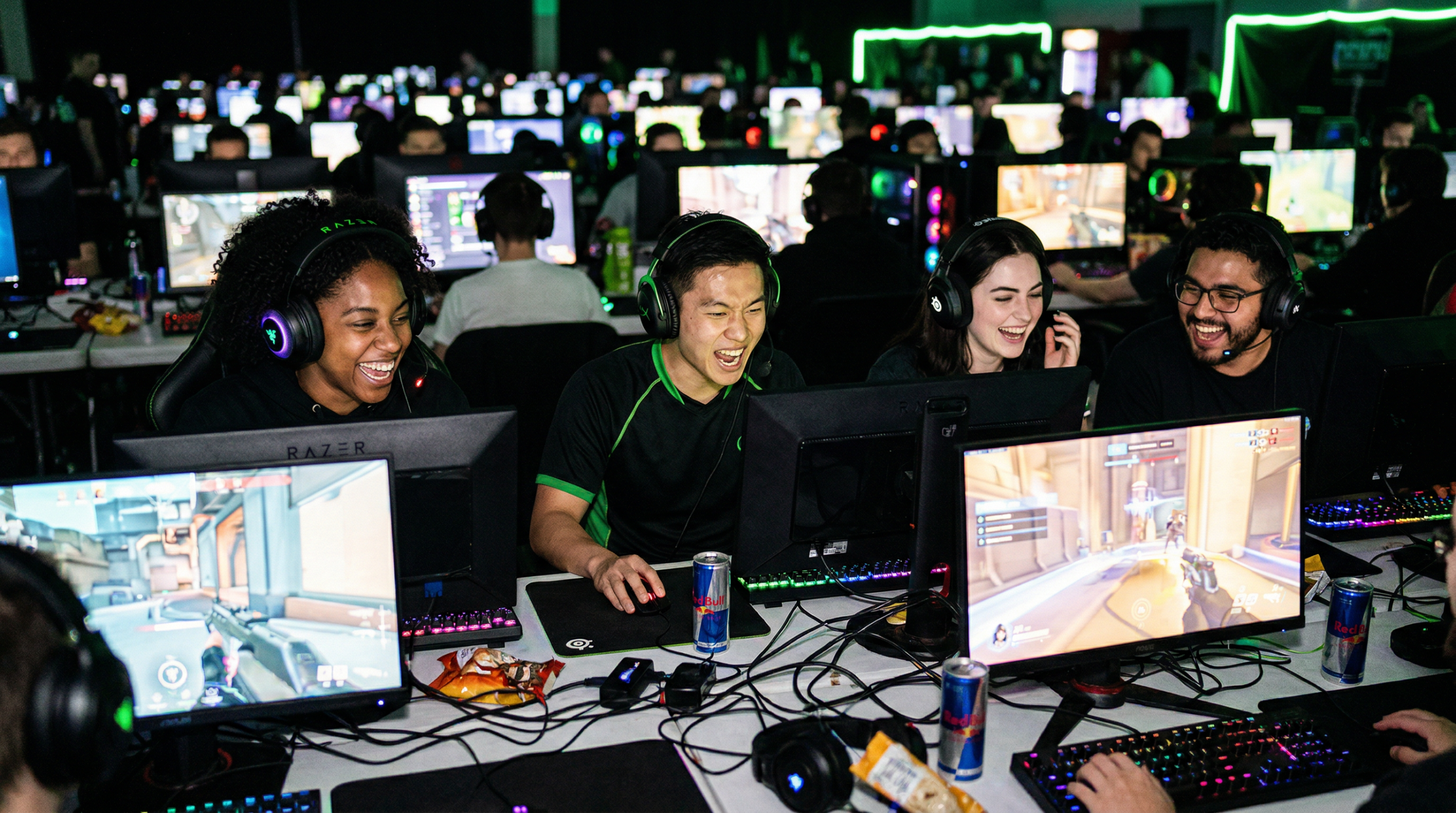
Every South African gamer knows the trauma: it is 11–11 in a ranked CS2 or Valorant match, or the 89th minute of EA Sports FC Champions Weekend League, and suddenly the room goes pitch black. Even when the grid is stable, a sudden substation trip or high-ping international routing spike can ruin a Friday Game Night.
Bulletproofing your gaming station in Mzansi doesn’t require a R100,000 solar roof install. Here is the step-by-step survival guide to keeping your fibre online, your PC safe, and your ping rock-bottom.
Step 1: Keep Your Fibre Alive (The R699 DC Mini-UPS)
Your fibre box (ONT) and Wi-Fi router only draw about 15W–25W combined. Do not plug them into a cheap lead-acid office UPS that beeps non-stop and dies after 20 minutes.
- What to Buy: A dedicated 30W–60W LiFePO4 (Lithium Iron Phosphate) DC Mini-UPS from brands like Gizzu, Ratchet, or ultraLAN (~R699 – R1,099 on Takealot/Wootware).
- Why It Works: It powers your ONT and router directly via 12V DC cables (bypassing inefficient AC inverter conversion), giving you 4 to 8 hours of uninterrupted fibre internet with zero switchover lag.
Step 2: Powering Your Gaming PC or PS5 (LiFePO4 Portable Power Stations)
A mid-range gaming PC (e.g., Ryzen 5 + RTX 4060) plus a 27-inch monitor draws roughly 250W to 380W under gaming load, while a PlayStation 5 + modern LED TV draws around 250W to 320W.
- Entry Level (Safe Shutdown + 1 Hour Play): A 512Wh LiFePO4 Power Station (such as the EcoFlow River 2 Max or Gizzu Hero Core 512Wh, ~R4,500 – R5,999) gives you enough juice to finish your current competitive match and play an extra hour on lighter settings.
- Full 2.5-Hour Stage 2/4 Gaming Session: Step up to a 768Wh – 1024Wh Pure Sine Wave LiFePO4 station (like the EcoFlow Delta 2 or Gizzu Hero Pro 1024Wh, ~R7,999 – R10,999) with fast <20ms EPS switchover so your PC doesn't reboot when the power cuts.
- Pro Tip for Extra Runtime: Cap your in-game FPS to your monitor’s refresh rate or switch on NVIDIA DLSS / AMD FSR during power cuts — reducing GPU wattage by 30% adds nearly 45 minutes of battery life!
Step 3: Choosing a Gaming-Friendly SA Fibre ISP (Low Ping & Submarine Cables)
Megabits per second (Mbps) isn’t what wins gunfights — routing and latency (ms) are. When choosing a South African ISP on Vuma, Openserve, Octotel, or Frogfoot, look for providers that prioritize low-latency peering in Johannesburg (Teraco Isando) and Cape Town, plus redundant international capacity on the Equiano, WACS, and SAT-3 undersea cables:
- Top Gamers’ Choice ISPs: Cool Ideas, Afrihost, and Atomic Access consistently rank at the top of MyBroadband and local Discord polls for transparent network status pages, zero traffic shaping, and crisp routing to local SA servers (~2ms–18ms) as well as EU/Bahrain lobbies (~135ms–165ms).
- Ditch Wi-Fi for Ethernet: Even a R99 Cat6 Ethernet cable plugged directly into your motherboard or PS5 will eliminate packet-loss spikes caused by crowded apartment Wi-Fi channels.